 India
India
 UAE
UAE

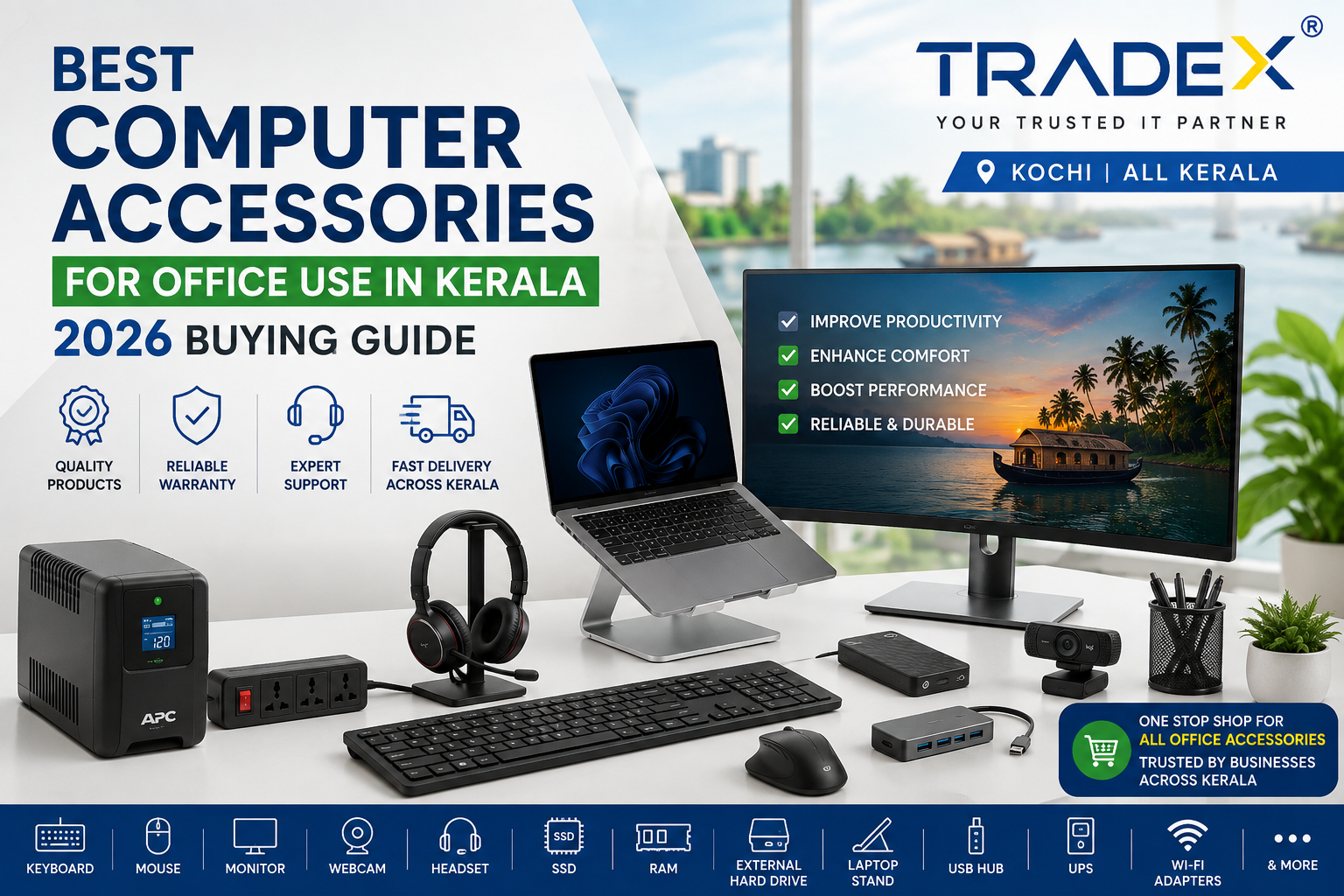
The modern workplace in Kerala has evolved. Whether you are managing corporate operations in InfoPark Kochi, running a tech startup in Thiruvananthapuram, or operating a hybrid setup in Kozhikode, your daily productivity heavily relies on your workspace hardware. Equipping a workplace with high-quality office computer accessories isn't just about convenience, it’s about preventing physical strain, minimizing system bottlenecks, and maintaining operational uptime during unpredictable local power grid changes and monsoon shifts. Finding a reliable computer accessories supplier Kerala or a dedicated computer accessories shop Kochi ensures you get enterprise-grade warranties, genuine parts, and quick localized IT support. Below is your comprehensive 2026 buying guide for selecting the best computer accessories Kerala market hubs offer to optimize your workplace productivity.
1. Keyboard
A standard, membrane office keyboard is fine for casual typing, but intensive workloads call for ergonomic and high-tactile solutions.
-
Key Considerations: Silent mechanical switches (Red or Brown) are trending in corporate office spaces because they provide fast typing responses without disturbing teammates. Low-profile ergonomic split keyboards are also gaining popularity to reduce wrist strain.
-
Top Pick Feature: Multi-device wireless Bluetooth switching that lets you toggle between your desktop PC, laptop, and secondary tablet at the press of a button.
2. Mouse
A poorly designed mouse can cause long-term repetitive strain injuries (RSI) like carpal tunnel syndrome. Upgrading your mouse directly impacts user comfort over long 8-hour workdays.
-
Key Considerations: Look for vertical ergonomic mice or contoured productivity mice equipped with hyper-fast scroll wheels and programmable side buttons for custom macro shortcuts.
-
Top Pick Feature: High-precision optical sensors that operate smoothly on glass, wood, or polished office desks without needing a mousepad.
3. Monitor
Dual-monitor and ultra-wide monitor configurations are standard in modern enterprise workflows for handling data analysis, coding, and multi-tab research.
-
Key Considerations: Explore high-resolution Monitors—such as 27-inch IPS displays with 4K or QHD (1440p) resolution—for optimal text clarity. Ensure the monitor has built-in low blue light filters and flicker-free technology for eye protection.
-
Top Pick Feature: USB-C connectivity with Power Delivery (PD), allowing a single cable to transfer video signal, power your laptop, and connect peripheral devices.
4. Webcam
With remote clients and hybrid team syncs driving daily communication, relying on low-resolution built-in laptop cameras compromises professional credibility.
-
Key Considerations: A minimum of 1080p at 60fps or 4K resolution with auto-framing technology.
-
Top Pick Feature: Built-in physical privacy shutters and automatic AI light adjustment to keep video crisp under harsh overhead fluorescent lights or low ambient room lighting.
5. Headset
Noise pollution from office air conditioning to background ambient chatter can disrupt important client calls and virtual meetings.
-
Key Considerations: Active Noise Cancelling (ANC) headsets equipped with beamforming noise-canceling microphones isolate your voice cleanly.
-
Top Pick Feature: Lightweight, breathable memory foam earcups designed for all-day wear without ear pressure or heat buildup.
6. SSD (Solid State Drive)
System responsiveness depends heavily on your primary storage drive. Upgrading legacy mechanical hard drives to fast solid-state storage gives aging office computers an instant speed boost.
-
Key Considerations: NVMe M.2 PCIe 4.0 or 5.0 SSDs deliver read/write speeds upwards of 5,000–7,000 MB/s, vastly accelerating operating system boot times and software launches.
-
Top Pick Feature: DRAM-cached SSDs that maintain high sustained transfer rates when working with massive database files or local video assets.
7. RAM (Random Access Memory)
Running web browsers with dozens of open tabs alongside enterprise software (like Tally, ERP systems, Docker, or Adobe Creative Cloud) will slow down systems with insufficient RAM.
-
Key Considerations: In 2026, 16GB of RAM is the minimum benchmark for basic administrative workloads, while 32GB to 64GB DDR5 is recommended for software developers, video editors, and power users.
-
Top Pick Feature: Dual-channel RAM configurations (e.g., two 8GB sticks instead of one single 16GB stick) to maximize memory bandwidth.
8. External Hard Drive
While SSDs handle active daily projects, external mechanical hard drives and portable rugged SSDs remain essential for local offline backups and data redundancy.
-
Key Considerations: Check high-capacity Servers & Storage units (2TB to 5TB external hard drives) or drop-resistant portable external SSDs with hardware-level AES 256-bit encryption.
-
Top Pick Feature: USB 3.2 Gen 2x2 interface for fast offloading of daily full-system backup images.
9. Laptop Stand
Using a laptop directly on a flat desk forces users to look down, leading to poor posture and neck strain.
-
Key Considerations: Adjustable aluminum alloy laptop stands raise the laptop screen to eye level. Elevating the laptop also improves airflow underneath, preventing thermal throttling.
-
Top Pick Feature: Foldable, highly portable stands for hybrid workers commuting between home and office.
10. USB Hub
Sleek modern laptops often lack traditional USB-A, Ethernet, and SD card ports. A multi-port USB-C hub acts as a bridge for all your IT Peripherals that Kerala office setups require.
-
Key Considerations: Multi-port pass-through hubs featuring USB-A 3.2 ports, HDMI 2.1, Gigabit Ethernet (RJ45), and SD/microSD slots.
-
Top Pick Feature: 100W Power Delivery (PD) support so you can charge your laptop through the hub using its original power adapter.
11. UPS (Uninterruptible Power Supply)
Voltage fluctuations and sudden monsoon blackouts are common power grid realities in Kerala. Installing a dedicated UPS & Power Backup system protects desktop workstations, NAS servers, and critical monitors from unexpected shutdowns.
-
Key Considerations: Line-Interactive UPS systems for standard office PCs (600VA–1000VA) or Online Double-Conversion UPS systems for sensitive servers.
-
Top Pick Feature: Automatic Voltage Regulation (AVR) to stabilize line voltage swings without relying heavily on internal battery power, extending total battery lifespans.
12. HDMI Cables
Faulty or outdated display cables cause flickering screens, audio dropouts, and resolution caps.
-
Key Considerations: High-Speed HDMI 2.1 cables capable of supporting 4K resolution at high refresh rates without signal degradation.
-
Top Pick Feature: Braided nylon jackets and gold-plated connectors for enhanced durability in coastal humid climates.
13. Wi-Fi Adapters
If your office desktop motherboards lack native wireless connectivity or your laptop's internal card fails, a high-performance external Wi-Fi adapter gets you back online instantly.
-
Key Considerations: Partner with a top Networking Equipment vendor to source dual-band or Tri-band Wi-Fi 6 / Wi-Fi 6E USB adapters that offer lower latency and better congestion management in busy office network environments.
-
Top Pick Feature: External high-gain adjustable antennas that maintain stable wireless signals even when placed far from central routers.
Sourcing the Best Office Peripherals in Kerala
When outfitting an office in Kochi, Ernakulam, or anywhere across Kerala, prioritize working with an authorized computer accessories supplier Kerala network or visiting a full-service computer accessories shop Kochi location. Local vendors offer vital advantages, including:
-
On-Site Warranty Claims: Instant replacements for critical failing hardware (like UPS units, SSDs, or RAM) without waiting weeks for shipping.
-
Bulk B2B Procurement Pricing: Discounted rates when purchasing corporate accessory bundles for whole teams.
-
Tailored IT Infrastructure Advice: Guidance on picking peripherals that match your facility's exact electrical, networking, and spatial layout.
Upgrading your workspace accessories reduces physical strain, prevents unexpected technical downtime, and keeps your office operating efficiently year-round.